01
Design in Adobe After Effects
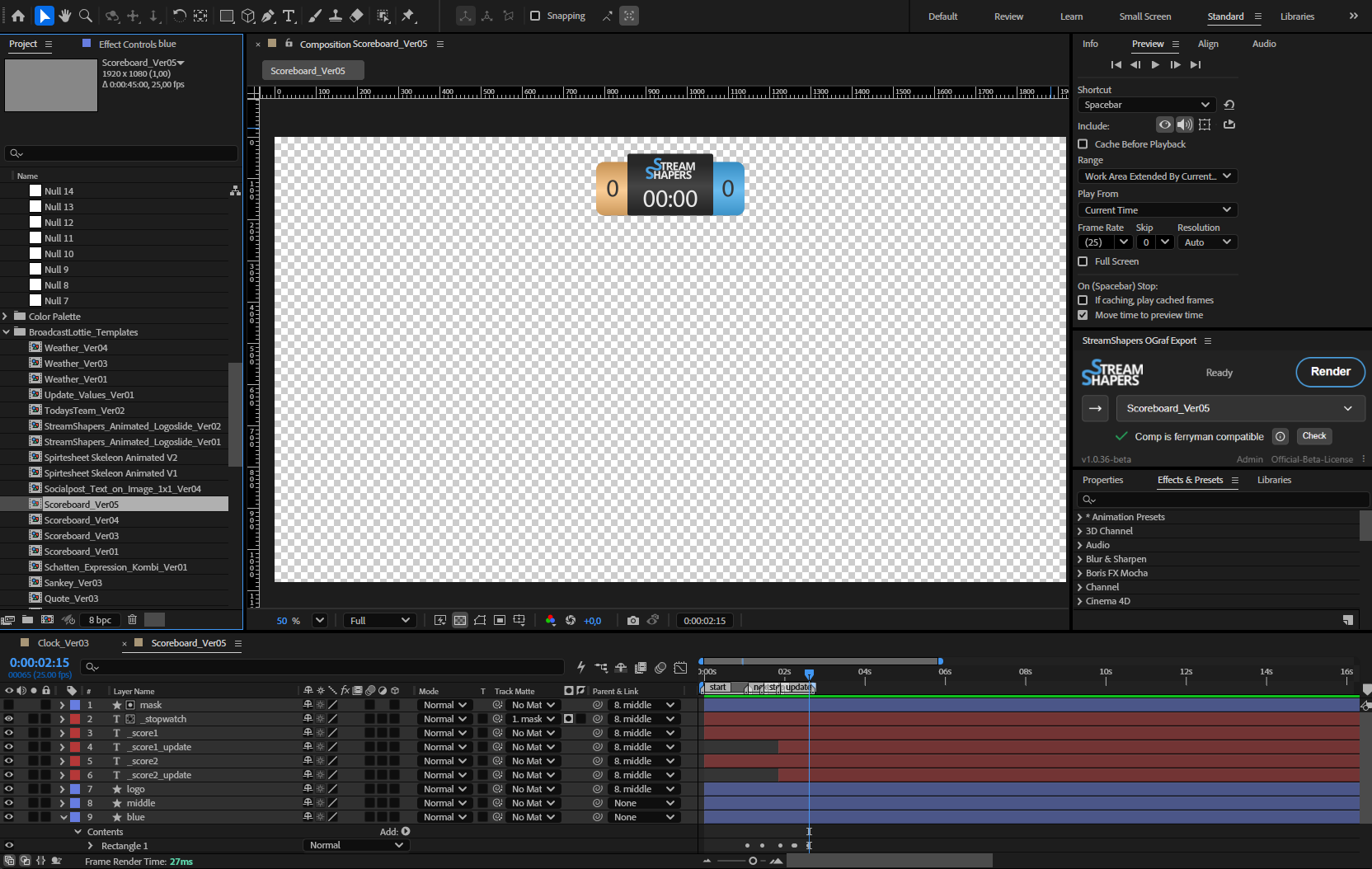
Build with regular AE tooling. Mark layers operator-editable by prefixing with an underscore: _headline, _logo.

With StreamShapers OGraf Export you are able to create OGraf HTML graphics without ever leaving Adobe After Effects. One workflow, broadcast-ready templates.
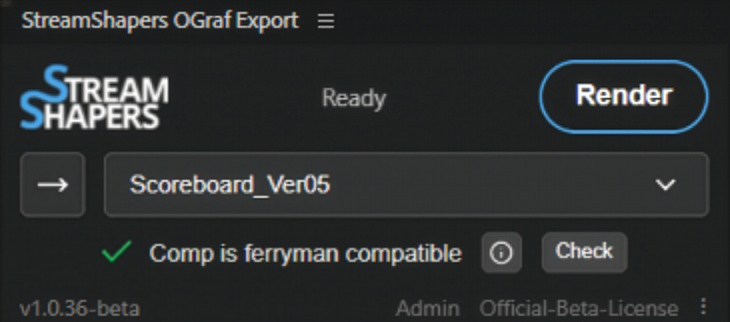
Three steps, one window. The whole pipeline lives inside After Effects.
Build with regular AE tooling. Mark layers operator-editable by prefixing with an underscore: _headline, _logo.
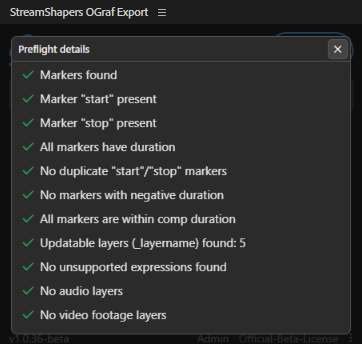
The export panel scans your comp and every precomp for constructs that would break the Lottie. Preset settings, no tuning, no surprises.
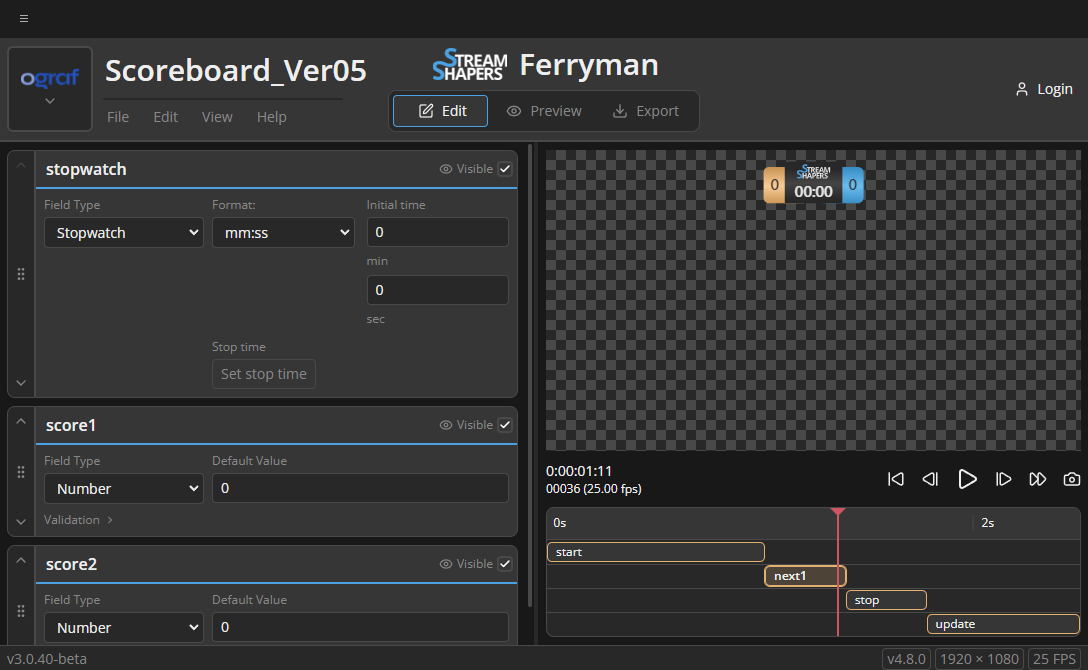
The freshly rendered template opens in the second panel, full Ferryman, inside AE. Fine-tune fields, then export as OGraf, HTML or raw Lottie.
A render panel, plus the full Ferryman web app embedded as a second CEP panel. The browser tab is gone.
One click confirms your comp follows the conventions and flags any effects or expressions that wouldn't survive the export, before you waste a render.
OGraf or HTML - with vendor-specific fields. Pick what your CasparCG, SPX-GC or OGraf-compliant playout expects.
Tweak the comp, re-render - the new version drops into the Ferryman panel right inside After Effects. No browser tab, no manual reload.
Yes. CEP extensions ship as a single ZXP that installs on both platforms.
The embedded Ferryman uses your StreamShapers account for cloud-saved templates and project sync. The extension itself goes on sale this summer.
It walks your selected comp and every precomp inside it, and flags the constructs that won't survive the Lottie export: Drop Shadow layer styles, Gradient Ramp effect, nested Vector Repeaters in Shape Groups, Audio/Video layers, and chained Expressions.
Ferryman is the web-based Lottie-to-OGraf/HTML converter. OGraf Export embeds Ferryman as a second CEP panel inside After Effects. Ferryman keeps working standalone at ferryman.streamshapers.com.
We're aiming for early summer. Drop your email below for the exact date.
Tested on After Effects 23 through 26. Distribution is a standard ZXP, pull it from streamshapers.com or install via the aescripts ZXP Installer.
No newsletter, no marketing follow-up.