01
Design in Adobe After Effects
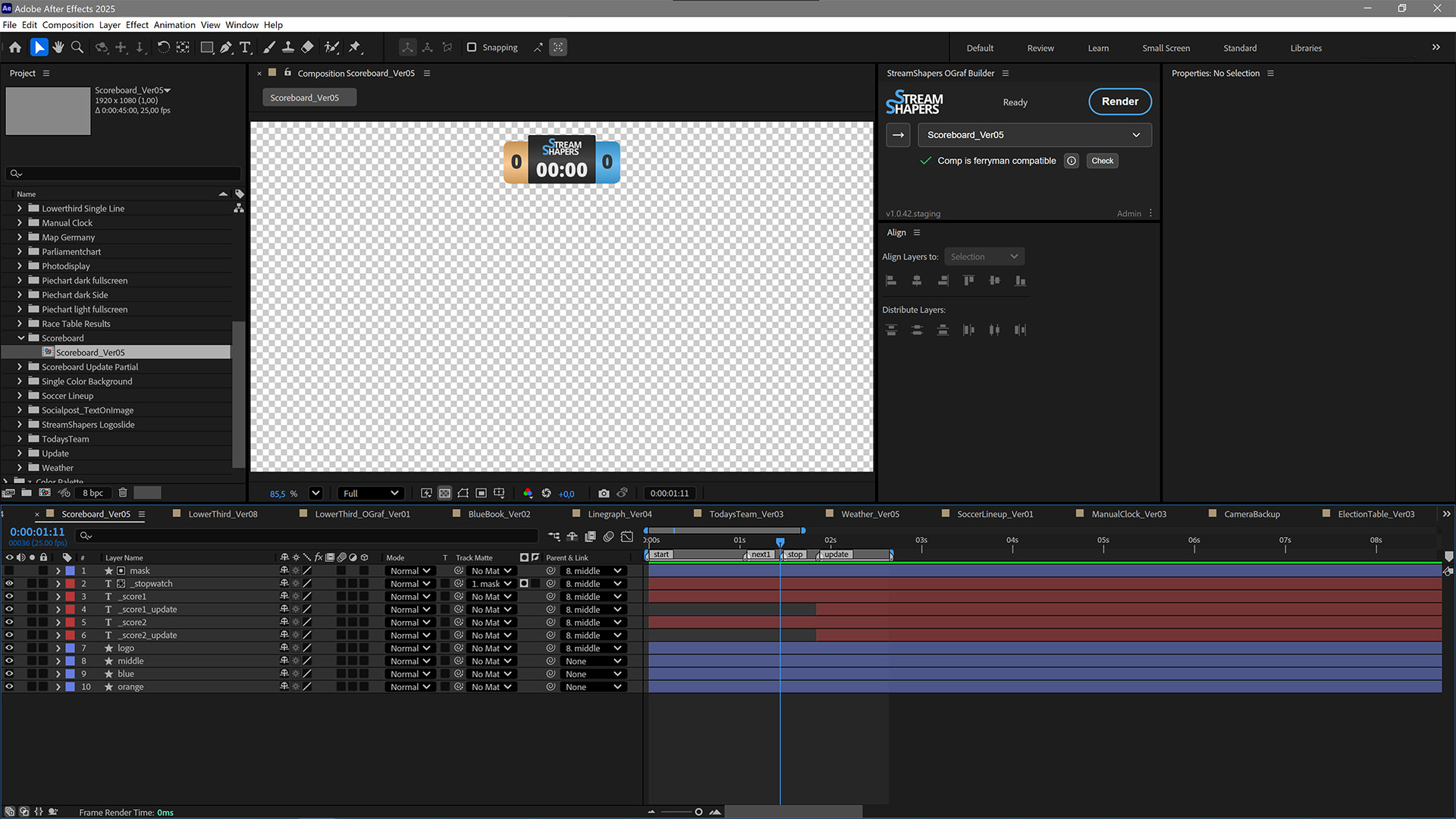
Build with regular AE tooling. Mark layers operator-editable by prefixing with an underscore: _headline, _logo.

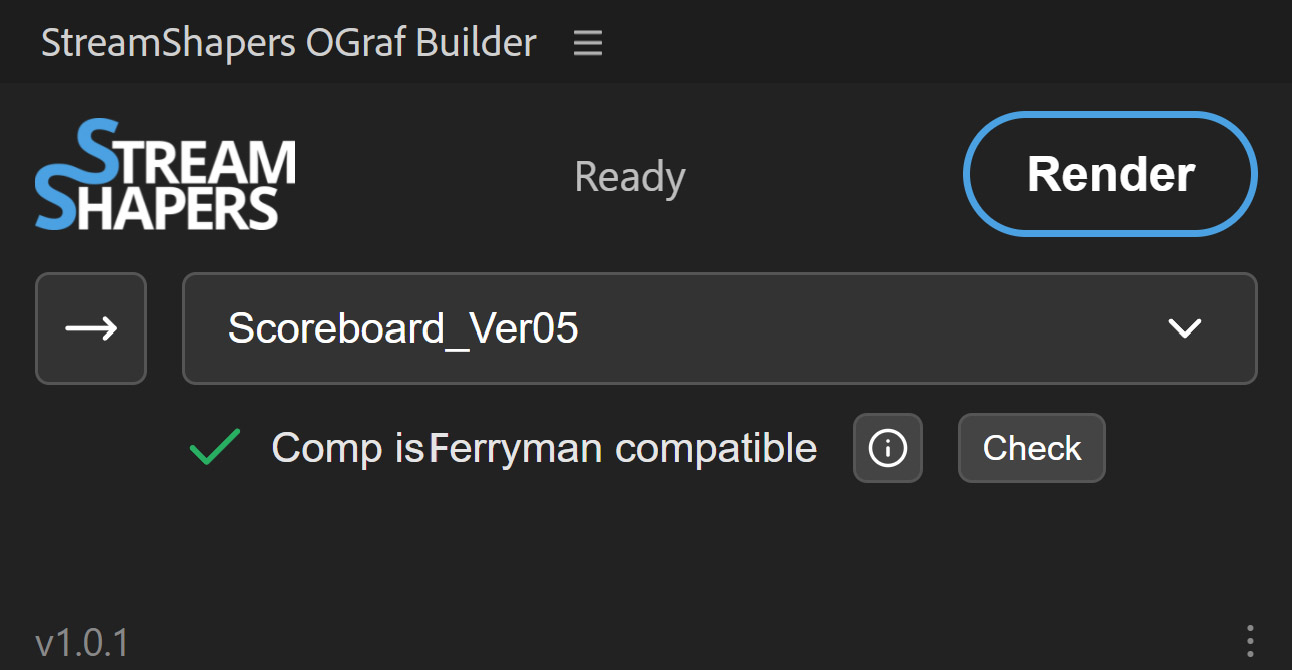
Create editable OGraf and HTML graphics directly in Adobe After Effects. Check your composition, render, configure in Ferryman, and export, all in one workflow.
Three steps, one window. The whole pipeline lives inside After Effects.
Build with regular AE tooling. Mark layers operator-editable by prefixing with an underscore: _headline, _logo.
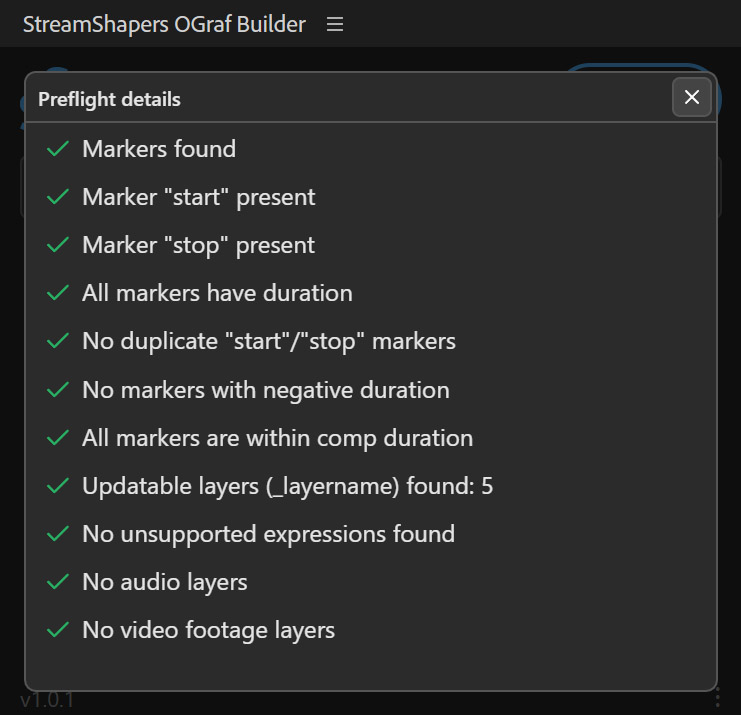
The export panel scans your comp and its precomps for known Lottie compatibility issues, helping you resolve them before rendering.
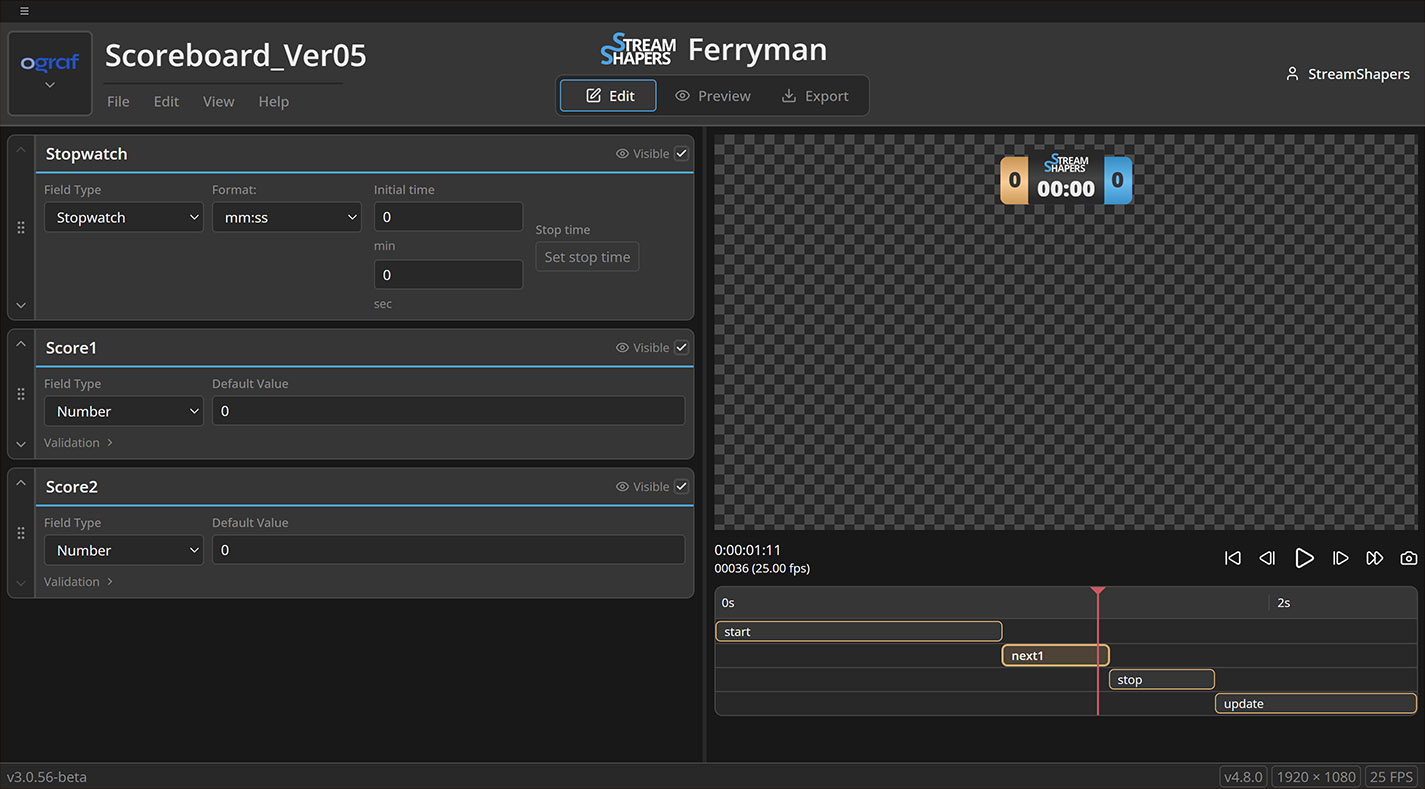
The freshly rendered template opens in the second panel, full Ferryman, inside AE. Fine-tune fields, then export as OGraf, HTML or raw Lottie.
A render panel, plus the full Ferryman web app embedded as a second CEP panel. The browser tab is gone.
Check your composition for supported conventions and known issues with effects, expressions, and layers before rendering.
OGraf or HTML - with vendor-specific fields. Pick what your CasparCG, SPX-GC or OGraf-compliant playout expects.
Tweak the comp, re-render - the new version drops into the Ferryman panel right inside After Effects. No browser tab, no manual reload.
Yes. CEP extensions ship as a single ZXP that installs on both platforms.
Yes. Sign in with your StreamShapers account and an active licence. OGraf Builder is included in Pro and Studio. Studio members receive access through an assigned seat.
It walks your selected comp and every precomp inside it, and flags the constructs that won't survive the Lottie export: Drop Shadow layer styles, Gradient Ramp effect, nested Vector Repeaters in Shape Groups, Audio/Video layers, and chained Expressions.
Ferryman is the web-based Lottie-to-OGraf/HTML converter. StreamShapers OGraf Builder embeds Ferryman as a second CEP panel inside After Effects. Ferryman keeps working standalone at ferryman.streamshapers.com.
Choose a Pro or Studio plan, then download OGraf Builder from your account once your licence is active. Install the extension and sign in inside After Effects.
Tested on After Effects 23 through 26. Install the ZXP package using the aescripts ZXP Installer. See our documentation for setup instructions.
Get OGraf Builder with Pro for individual creators or Studio for your team.