Introduction
Ferryman comes in two variants:
- StreamShapers Ferryman as an online Webapplication directly in any modern Webbrowser
- As part of StreamShapers OGraf Builder Extension for After Effects
Both Ferrymans are almost the same, but live in different worlds. The first one can only be accessed through an internet connection, the second one is an offline variant living directly inside the After Effects Extension without depending on an active internet connection. One depends on you throwing a json file with your animation at it, the other gets it delivered straight from After Effects wihtout the need of you handling a json animation.
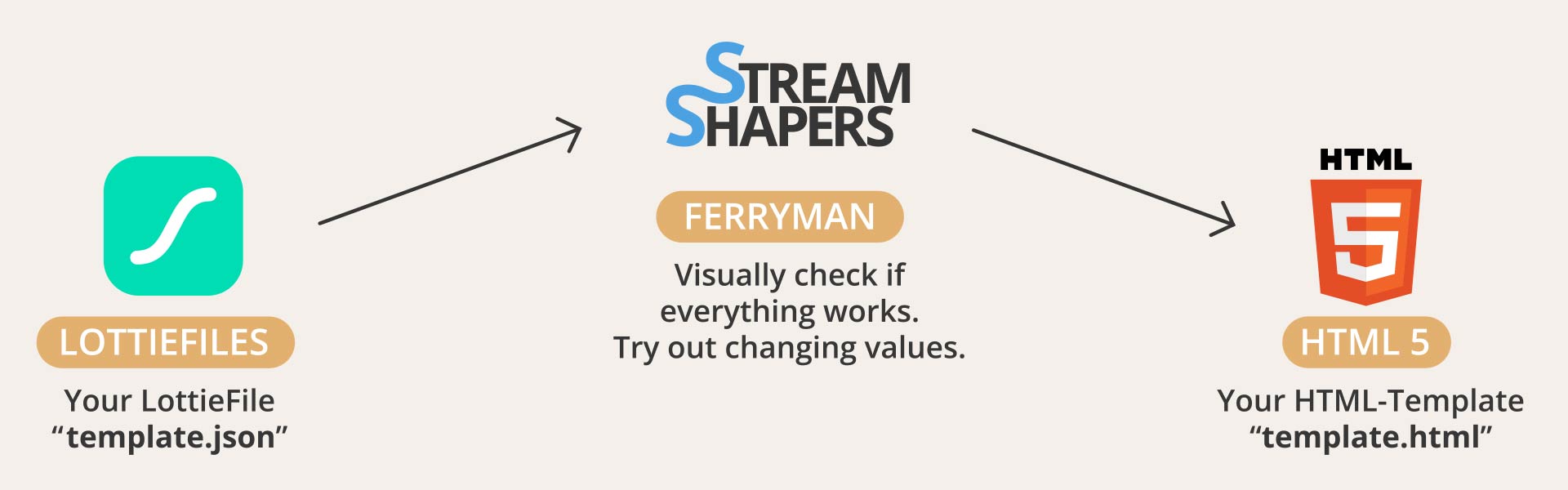
To understand how Ferryman works, you need to understand Lottiefiles. Its the backbone of HTML-Graphics created with Ferryman:
Lottiefiles - Lightweight animations for the web
LottieFiles were invented to store little animations for your website. They are vector-based with the support of pixel graphics. They are lightweight and fast loading.
There are different ways to design them, but the most common one is with Adobe After Effects. Using the Bodymovin plugin you can export a LottieFile in .json format.
This is a simple example for a "normal" Lottiefile that is used on websites:
Ferryman gives you the opportunity to make some changes on the Lottiefile before playing it. This, and the possibility that they are displayed in real time by a webbrowser, makes them kind of dynamic. That is the main feature why it's interesting for broadcasters.
A lowerthird like this, is the best showcase for Lottie based HTML-Graphic:
Let's get started how to create a Lottiefile with AfterEffects!