What can the Extension do?
StreamShapers OGraf Builder is an Extension for After Effects. It can be split in two fundamental parts for better understanding:
- The Export Panel that is meant to always stay docked inside your After Effects UI.
- The Ferryman Panel that opens automatically once the Export Panel rendered your After Effects composition. It lets you assemble your OGraf or HTML graphic template further. The Ferryman Panel is meant to be closed once you succesfully exported your graphic template for production.
OGraf Builder Panel
The OGraf Builder panel takes your composition, does a quick technical check on it and renders your composition for you. It then hands your animation to what we call Ferryman.
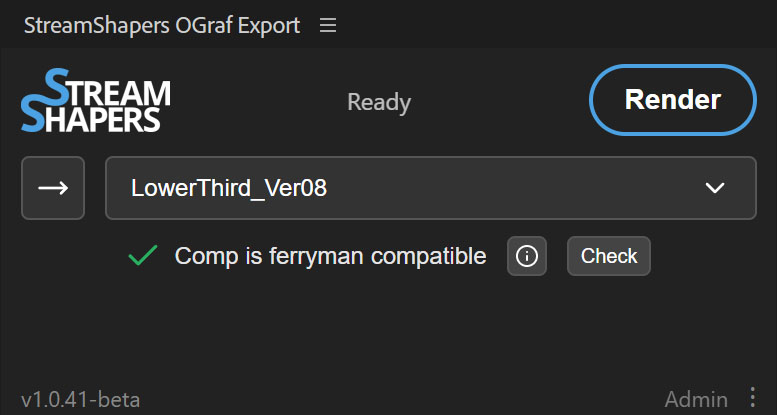
Load your currently active composition into the panel with the arrow button or use the dropdown to choose which comp shall be the chosen one. The panel will perform a technical preflight check on your composition. It will check if everything looks technically good for export: e. g. if you have markers, have dynamic text fields or might have used effects on some layers that are not supported. Basically anything that is also mentioned in this documentation. If something is wrong, you will get a red cross and the panel will tell you what's wrong once you click the info button next to the message. You can always manually re-check by clicking 'Check'.
When everything is fine, hit the big 'Render' button, and your chosen composition will be rendered and handed over to the Ferryman panel that will open once the render is complete.
Ferryman Panel
The Ferryman panel takes your animation and shows you what your composition looks like after export. It helps you add some more functionality to your animation. It helps you confirm that everything is working along the way, then exports your animation to be a full fledged OGraf.
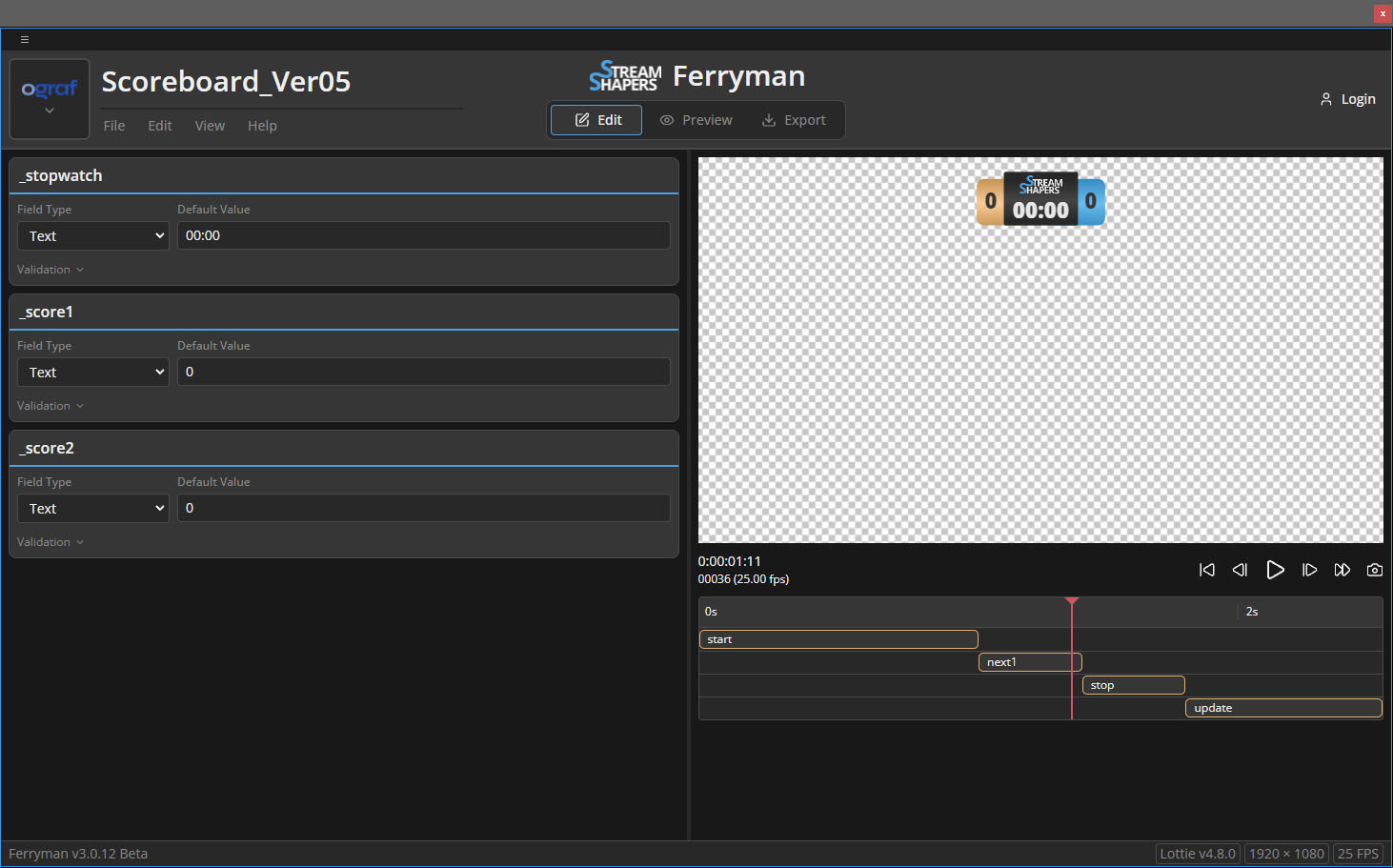 Ferryman is completely built into the extension, it lives directly inside of After Effects.
It does only depend on your After Effects installation and your StreamShapers Account holding your personal license.
Ferryman is completely built into the extension, it lives directly inside of After Effects.
It does only depend on your After Effects installation and your StreamShapers Account holding your personal license.
Picking Up your Animation
As soon as you hit 'Render' inside the OGraf Builder Panel, your Animation will be packaged and ready to be picked up by 'Ferryman'.
You can also check out one of our samples on the online Version of Ferryman hosted by us on ferryman.streamshapers.com. Pick one of our samples and see yourself. These samples are made according to our recommendations and are meant to give you an idea what your own templates could look like.
We have divided the Ferryman workflow into three phases and you can alway switch between phases freely:
- Edit -> This is for you to check if everything looks as it should, to choose the right input fields for your dynamic data and everything else related to feeding data into your animation.
- Preview -> This is the most accurate preview, it uses actual OGraf commands to make sure your animation is fit for it's upcoming productions.
- Export -> Whatever you need to give your animation on it's way before it has to withstand on its own gets added here, basically some Metadata that will come in handy in production environments.
Now the Ferryman takes you to sea
From here on, the workflow uses a slightly customized Version of our Ferryman Application which is available online. Whenever you use StreamShapers OGraf Builder Ferryman is part of this After Effects extension, it does not rely on the online application but works just the same.