Introduction
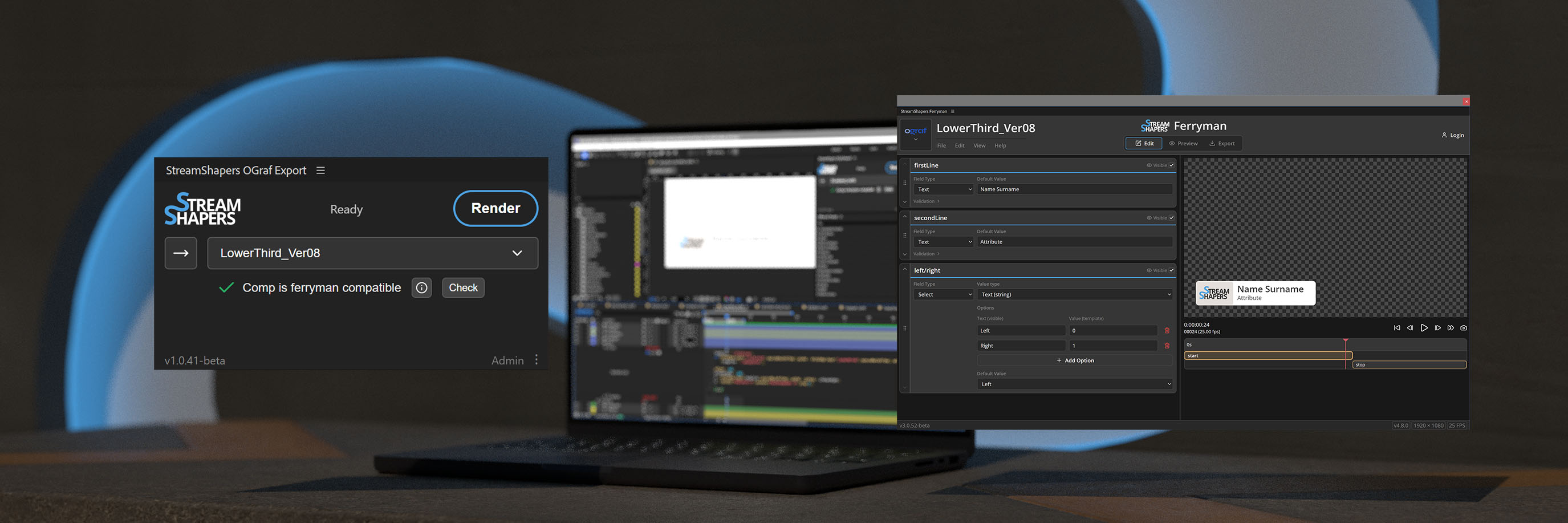
We’ve put a lot of thought and effort into this workflow, and we’re confident that it represents the most effective way to create OGraf templates using Adobe After Effects.
The key idea is simple: everything happens in one place. From designing your graphics, implementing logic, to integrating dynamic elements — the entire process is handled directly inside After Effects. There’s no need to jump between different tools or rebuild parts of your project in external systems.
All you need to do is follow the conventions and recommendations outlined in this documentation while building your project. Once your composition is ready, you can package it using the StreamShapers OGraf Builder Extension.
The result is a fully production-ready OGraf template that can be deployed and rendered using any OGraf-compliant rendering system.
Here is an overview of what the extension is capable of: StreamShapers OGraf Builder Extension
Where to buy?
Register
You will need a StreamShapers Account. If you do not already have one, register here: Registration
Get a License
Once you have your personal account and you are logged in, get a license that includes the extension here: Get your License
Download the .zxp extension
After that you will always find a download for the most recent version of the extension here: Extension
Installation
Once you have licensed your account and you downloaded the extension this is how you install it:
- Get a ZXP installer such as aescripts ZXP Installer or similar.
- Drag and drop the downloaded .zxp file into the installer window.
- Restart After Effects.
- Open the extension via Window → Extensions → StreamShapers OGraf Builder.
- Sign in with your StreamShapers account to use the extension.